Like everyone, I want more productivity in my day. So right now I’m on a mission. And I forgot how excited I get about streamlining!
I’ve always known that small tweaks can make a big difference, but recently I realised I hadn’t properly reviewed my own systems in ages. So I took a deep dive into what’s been eating up my time – and the results? Game-changing.
If you’re chasing more productivity too, I hope this post gives you some inspiration to clear the clutter and get back to what really matters.
Step One: Out of Sight, Out of Mind (Literally)
Our phones are brilliant, but let’s be honest, they’re also our biggest time thieves.
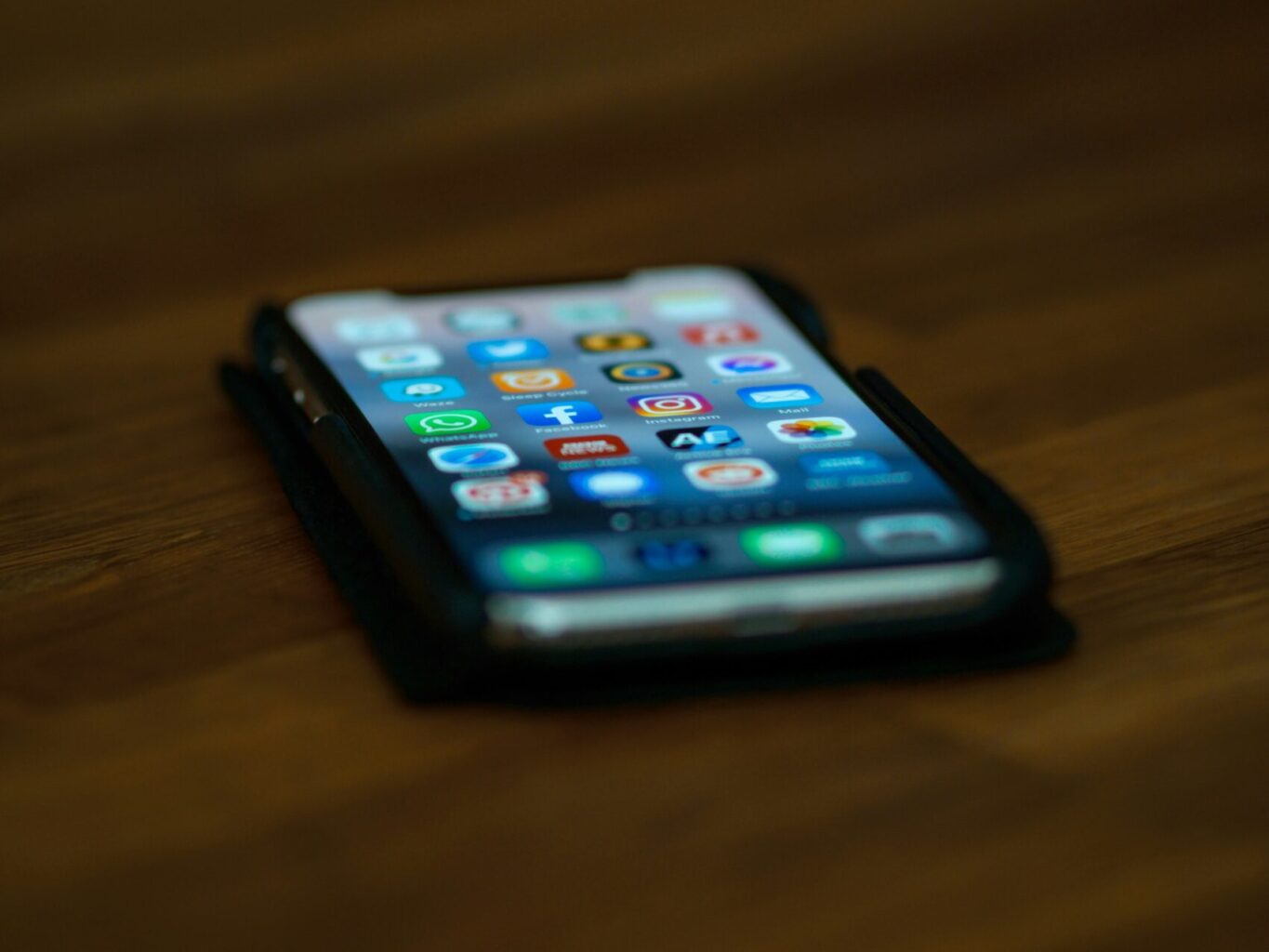
I moved apps like Instagram, Facebook, Gmail and LinkedIn to the second screen on my iPhone. It’s a small change, but it breaks the habit loop of opening them “just for a second.” Spoiler: that second turns into ten minutes faster than you can say algorithm…
Step Two: The Notification Detox
I disabled notifications across the board – on both my phone and MacBook.
No more pings, buzzes or red dots demanding my attention. The only exception? My to-do list app, Todoist. I want to stay on top of my priorities, but not feel constantly pulled in every direction.
Step Three: Bye-Bye Badges
Speaking of red dots… they’re gone too. I removed notification badges from almost all apps. It’s amazing how something so small can cause such a big mental pull. Now, my home screen is cleaner and calmer – and so is my brain.
Step Four: Focus Time Is Sacred
I’ve set up daily “focus time” using my phone’s settings. It kicks in at the same times each day, limiting distractions and helping me stick to deep work sessions. It’s like a meeting with myself and I’m not cancelling it.
Step Five: Email Tidy-Up with a Little Help
Laura, my fabulous VA, handles a chunk of my inbox, so I created a label in Gmail just for her. I also set up rules to automatically move the emails she deals with into that folder. It keeps my inbox cleaner and lets her get straight to what she needs, without me playing email traffic controller.
Step Six: Personal Emails, Put in Their Place
From Vinted to my bank, and a few newsletters I actually want to read – I created a label for personal emails and a rule to tuck them away automatically.
Now I check them when I want to, not when they drop in. It’s one more way to stay in control and make space for more productivity in my day.
Step Seven: Cold Emailers? Blocked.
One final boundary: I’ve started blocking cold emailers. If it’s unsolicited and not useful, it’s out. No guilt, no second chances. It’s my inbox, after all.
Create more productivity: Your Turn to Streamline
The common mistake is thinking that productivity is about doing more. It’s not, it’s about doing what matters, with less noise and more clarity. These simple changes have made a big difference in my focus, stress levels and general feeling of being in control.
If you’re feeling overwhelmed, I totally get it. But know that a few simple tweaks – plus the right support – can really help. And if you need someone to take the admin reins while you focus on your big goals, Vi-VA are here to help you reclaim your time, just get in touch.
Previous PostChange Work Life Podcast: Managing life admin without the overwhelm
Next PostAre you ready to go from Control Freak to Outsourcing Life Admin Ninja!
If you agree, we will allow Google Analytics and Google Ads to track your visit to this site on our behalf using cookies, recording things like which pages you visited, what buttons you clicked, which browser you were using, and how long you stayed. This information will be processed according to Google's privacy policy, potentially linked with data they have collected from your other activities, and used by us to see how the website is working and make it work better for you.
Thank you for giving us consent to track your visit; you are helping make our website better!
Withdraw consent